 Leobit
AI-Native UX Design and Prototyping services
We provide AI-native UX design and prototyping services for teams that want to test an idea before they build it. Our designers use AI to build working prototypes in code that can become the base of your MVP.
~10×
faster clickable prototypes
~20×
faster design system setup

Top UX Strategy Company

Web Excellence Awards

The Netty Awards Winner

ISO 9001:2015

ISO 27001:2022

Gold Stevie Award 2026

Top 1000 Companies 2025
Top .NET Developer 2026
Top Generative AI Company

Global Business Tech Awards

Apps & Software

Digital & App Innovation
Data & AI

Platinum Partner

Artificial Intelligence
.our understanding
WHAT AI-NATIVE DESIGN
MEANS AT LEOBIT
AI-native design is a UI/UX process in which your product takes shape as a working prototype in code from the first iteration. AI produces screens and component variants at speed, and our designers decide what fits the product, work out the interactions and edge cases, and keep the experience consistent. You make decisions on a product you can click through, and users test it before development starts, when changes are quick to make. It is the design stage of our AI-native SDLC.

AI output reviewed by designers
Nothing generated by AI reaches your users or developers until a designer has reviewed it against our quality bar.

No rebuild in development
On MVPs and landing pages, the prototype becomes the foundation of the product, so developers start from working code.

The setup depends on project size
We design MVPs straight in code, combine code and Figma for mid-size products, and keep Figma as the source of truth for large platforms.
.what we offer
AI UX DESIGN AND PROTOTYPING
SERVICES WE PROVIDE

AI Prototyping
Validate product ideas on a clickable prototype that runs as code and is ready within hours.

Design System Setup
Set up a design system for your product in 1–2 days, with AI handling the routine setup work.

UX and Accessibility Audit
Find usability and accessibility issues in your product with a same-day audit.

User Testing on Working Prototypes
Check design decisions with real users early, while changes are still quick and inexpensive to make.

Production Website Design
Launch a production website designed directly in code, about 15× faster than with a classic design estimate.

Agentic UX Design
Design AI products with conversational and voice interfaces and agent dashboards, with clear human control over AI output.

Dedicated Design Team
Extend your product team with UI/UX designers who work within our AI-native design process.
.comparison
CLASSIC VS. AI-NATIVE DESIGN PROCESS
A classic design process goes through wireframes, static mockups, and a clickable prototype before the product reaches users, and user testing is often the first step to be cut. In our AI-native process, one working prototype covers those three steps, user testing is part of the plan, and the prototype goes to development without a separate handoff.

.reality check
STATIC MOCKUPS VS. WORKING CODE PROTOTYPES
A static mockup shows what a screen looks like. A working prototype also shows how the product behaves, so you can test it with users and compare design directions on real interactions.
STATIC MOCKUPS
Stakeholders compare design directions as images, and every direction needs its own mockup. After handoff, developers rebuild the design in code.
WORKING CODE PROTOTYPES
Stakeholders compare working versions, and several directions cost about as much as one static mockup. On small projects, the prototype becomes the foundation of the product.
.the economics
HOW AI-NATIVE DESIGN REDUCES DESIGN AND DEVELOPMENT COSTS
AI-native design cuts costs by making workflows faster and more structured. Less design work is discarded, developers don’t rebuild screens from mockups, and problems are found before they become expensive to fix.
User testing in every project
User validation is often the first item cut from a design budget. With working prototypes, testing takes hours, so we include it in every engagement.
About 25% fewer iteration cycles
Early validation reduces the number of design iterations and the rework that would otherwise happen during development.
Issues found before development
Because the prototype runs as code, problems with flows and interactions show up before the engineering budget is spent.
.measured
HOW MUCH FASTER IS DESIGN IN AN AI-NATIVE PROCESS?
Our designers deliver a clickable prototype in hours, where a classic process takes days. Our specialists also set up a design system in 1–2 days rather than several weeks. A UX and accessibility audit that used to take a week is ready the same day. For production websites, the time between the design estimate and launch is about 15 times shorter.
AI-ACCELERATED, DESIGNER-CURATED

~15× faster production website launch

~20× faster design system setup

~10× faster clickable prototypes

~5× faster UX and accessibility audits

~15× faster user testing
~25% fewer design iteration cycles
.roles
HOW DOES AI CHANGE THE UI/UX DESIGNER’S WORK?
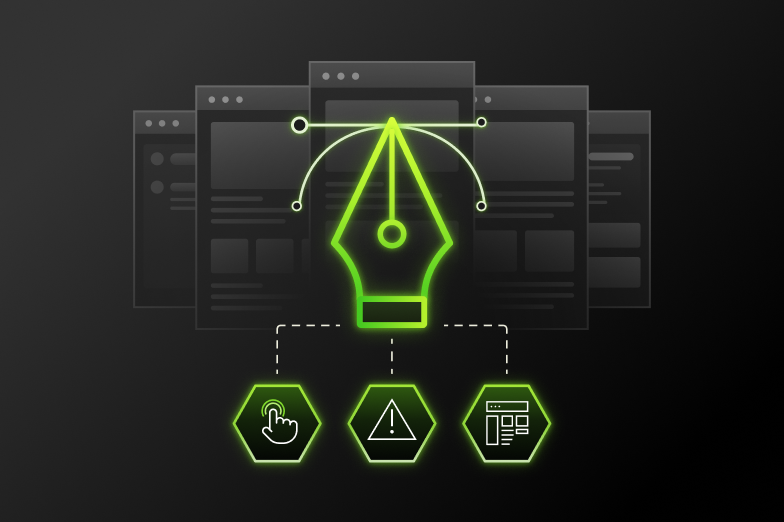
In a classic process, design moves through separate phases: discovery, wireframes, mockups, a prototype built from them, user testing, a design system, final UI, and handoff to development.
In our process, those steps collapse into one. AI takes over production work, such as building prototypes and their variants. The designer starts from an AI-generated working prototype, directs and refines it, and owns the result – interactions, edge cases, and the consistency of the product. User testing is built in, the design system sets the guardrails, and the final UI grows on that same prototype.
On small projects, there is no handoff to development. On large ones, the handoff stays, but developers get it sooner and in more detail.
.adoption
AI-NATIVE DESIGN APPROACHES FOR MVPS, REDESIGNS, AND LARGE PRODUCTS
We use different AI-native design approaches for MVPs, redesigns, and large products, matching the setup to the size of the project. In all three cases, AI shortens the design phase and lowers its cost.
Small
MVP · Proof of concept · Landing page
Fully AI-native: design directly in code
We design directly in code, so there is no mockup phase and no handoff. The prototype becomes the foundation of the product, and the design phase takes days rather than weeks.
Mid-size
New products · Redesigns
Hybrid: explore in code, refine in Figma
We explore several design directions in code for the cost of one static mockup, and you choose by comparing working versions. Figma is used for key screens, brand, and stakeholder alignment.
Large
Long-term · Multi-team
Figma stays the source of truth, and AI removes the slow parts
The design system is ready within days, and AI speeds up routine work at every step. Solutions are tested sooner, and developers get a more detailed handoff in less time.
.agentic ux
Traditional UX vs. Agentic UX: Designing Interfaces for AI Agents
In most software, the user goes through each step and the system responds. Products built around AI agents work differently: the user sets a goal, and the agent carries out the steps. The interface has to show the agent’s plan and actions and let a person approve or correct them. Our designers create interaction patterns for such products, including conversational and voice interfaces, while keeping human control over the output.
Our AI-native SDLC follows the same logic: the level of AI autonomy is set separately for each stage of delivery.
For a European FinTech company, we designed conversational layouts for RCS messaging and a dashboard for support agents that shows customer data, message history, and actions taken by AI.
Traditional UX
- User’s role. The user completes each step in the interface.
- Design focus. Screens, flows, and states.
- Transparency. The interface shows the result of each action.
- Interfaces. Mostly screens and forms.
Agentic UX
- User’s role. The user sets a goal and reviews the agent’s work.
- Design focus. Agent behavior, approval points, and autonomy limits.
- Transparency. The interface shows the agent’s plan before it acts and keeps a log of completed actions.
- Interfaces. Chat and voice, together with screens and dashboards.
.case studies
UI/UX Design Case Studies
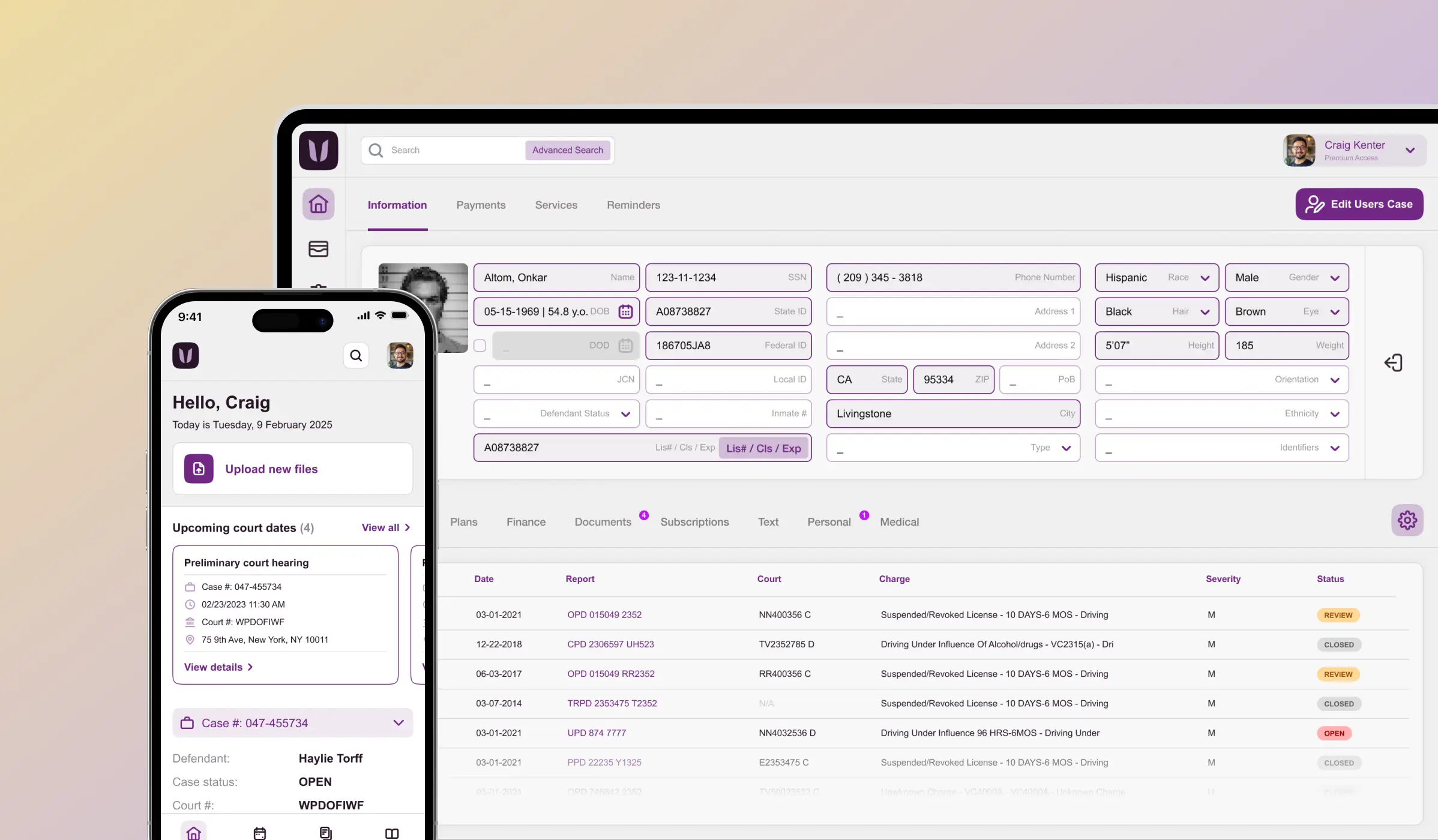
UI/UX design for a US legal case management solution provider. The team built a design system for consistency across products and tested prototypes with users.

Software modernization and UI/UX redesign for a global consulting company, with a new design system and improved accessibility.
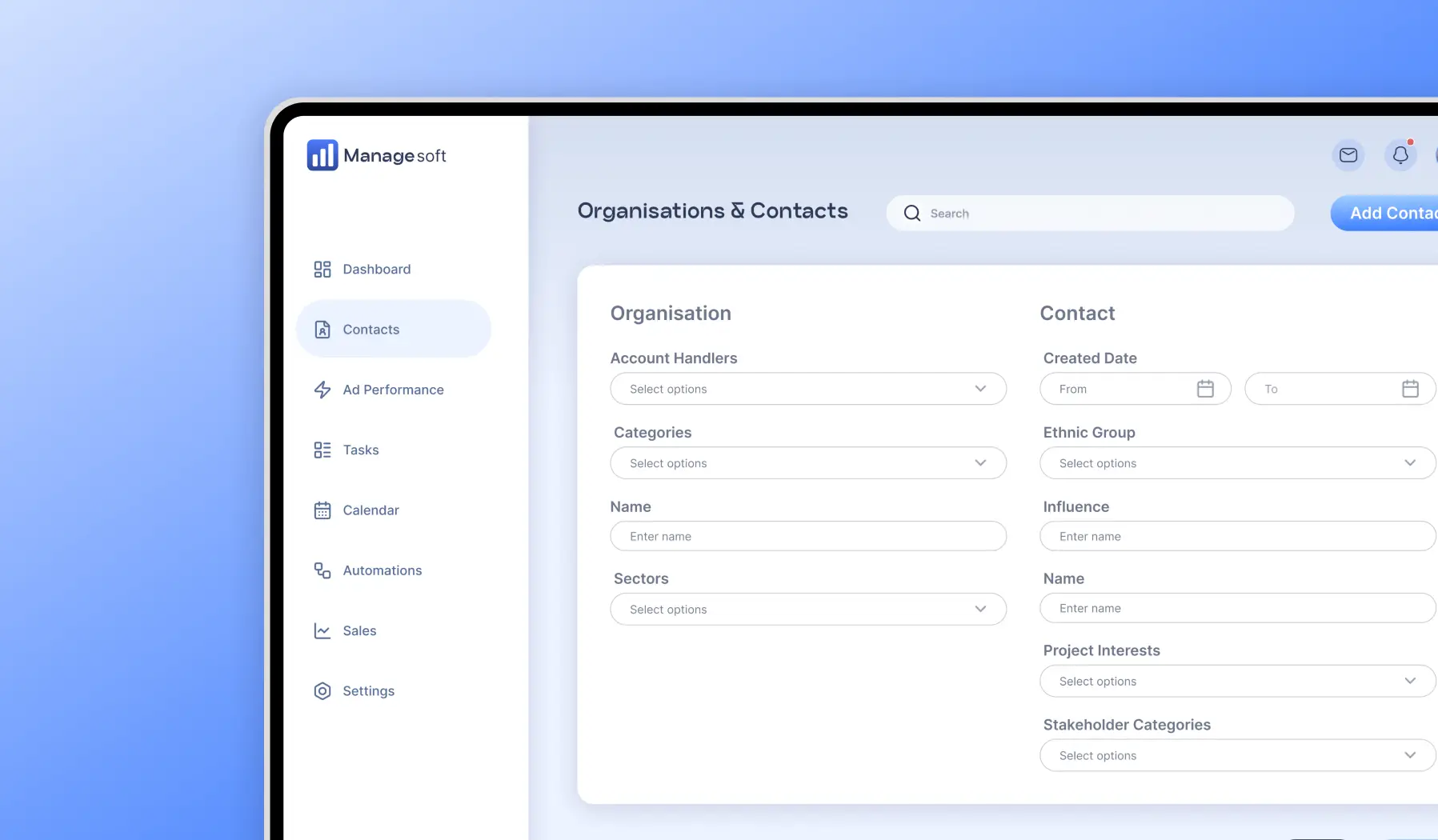
Modernization for a UK-based SaaS solution provider. New pages scored 100 in Lighthouse accessibility audits, compared with 68–93 on the legacy pages.

AI-powered custom software development and UI/UX design for a European FinTech company. The AI layer resolves over 67% of incoming queries without human intervention.
.our leaders
OUR AI UI/UX DESIGN LEADERS

Serhiy Sukmanyuk
AI-native UI/UX Designer

Stepan Fityo
AI-native UI/UX Designer

Kate Ovcharuk
AI-native UI/UX Designer
.why us
WHY CHOOSE LEOBIT FOR AI-NATIVE UX DESIGN
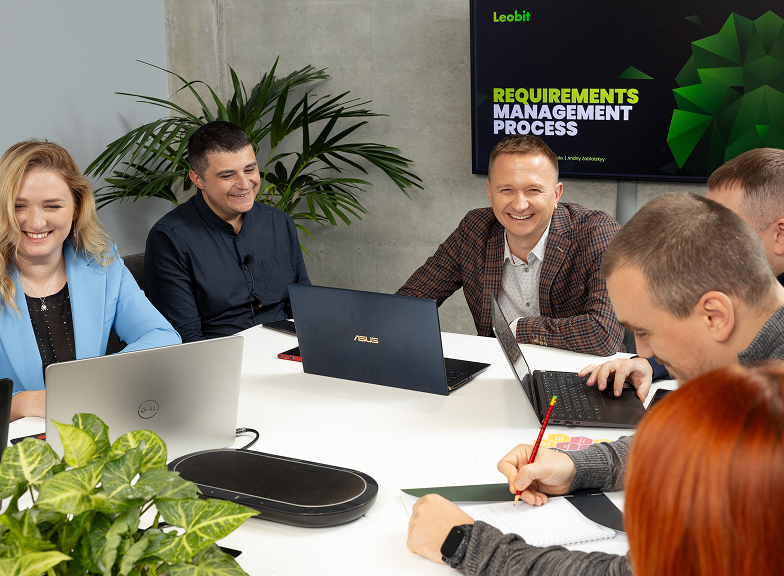
- Leobit Design Studio, a full-fledged design studio within Leobit
- 20+ specialists in the UI/UX Leobit Design Studio
- Top UX Strategy Company 2023 (Clutch), Web Excellence Awards, and The Netty Awards Winner
- Design and development with one partner
- Microsoft Solutions Partner for Digital & App Innovation and Data & AI
- ISO 9001:2015 and ISO 27001:2022 certified
AI UX DESIGN AND PROTOTYPING FAQ
It is a UI/UX design process in which AI produces prototypes and routine design work, and designers review and refine the result. One working prototype in code replaces wireframes, static mockups, and a clickable prototype, and user testing is part of every project.
No. AI speeds up production work, but designers make the decisions. They are responsible for interactions, edge cases, and the consistency of the product Every AI result has to meet our usual quality bar.
Yes, depending on the project size. Small projects are designed directly in code. Mid-size products are explored in code and refined in Figma. On large, multi-team products, Figma stays the source of truth.
Yes, on MVPs, proofs of concept, and landing pages, where the prototype becomes the foundation of the product. On larger products, it is used for user testing and design decisions, and Figma remains the source of truth.
Usually 1–2 days. In a classic design process, the same work takes several weeks.
Agentic UX is the design of products in which AI agents perform tasks for the user. It covers how the agent shows its plan, which actions need the user’s approval, and how the user can step in.
